

Quick Answer: The best cube timers and apps for tracking progress in 2026 include csTimer for comprehensive browser-based statistics, Flowtimer for modern cloud-synced analytics, CubeDev for professional phase breakdowns, and acubemy for smart cube AI coaching. For mobile users, scTimer and Twisty Timer remain the top choices for WCA-compliant practice on the go.
Speedcubing has evolved into a highly analytical sport. In 2026, simply using a basic stopwatch is no longer enough to break through sub-15 or sub-10 second barriers. Today’s competitive cubers rely on advanced cube timers that offer deep statistical tracking, AI-driven insights, and seamless smart cube integration.
Whether you are a beginner learning the CFOP method or a seasoned competitor chasing World Cube Association (WCA) records, tracking your progress is essential. The right speedcubing timer transforms raw solve data into actionable practice routines. In this comprehensive guide, we explore the best cube timers and apps available today to help you shave seconds off your personal bests.
Why You Need a Dedicated Cube Timer in 2026
Beyond Basic Stopwatch Functionality
A standard stopwatch only tells you how fast you solved the puzzle. A dedicated Rubik's cube timer tells you why you solved it at that speed. Modern timers track Ao5 (Average of 5), Ao12, and Ao100 to measure your consistency over time.
Furthermore, advanced timers integrate directly with Bluetooth smart cubes. This allows the software to track your turn speed (TPS), pause duration, and algorithm recognition time. By analyzing these micro-metrics, you can identify exact bottlenecks in your solves.
The Rise of Smart Cubes and AI Analytics
The cubing landscape in 2026 is dominated by smart cube technology. Apps can now benchmark your performance against millions of aggregated solves. This AI-driven coaching pinpoints whether you are losing time during F2L pairing or OLL recognition.
Instead of guessing what to practice, modern cube timer apps generate personalized training plans. They utilize spaced repetition systems to ensure you never forget a complex PLL or ZBLL algorithm. This shift from passive timing to active coaching is revolutionizing how cubers improve.
Top Online Cube Timers for Desktop and Browser
Browser-based timers are the gold standard for desktop practice. They offer large screens for scramble verification and robust statistical dashboards. Here are the top online platforms dominating the speedcubing scene.
csTimer (The Undisputed Classic)
csTimer remains the most popular open-source speedcubing timer on the web. Created by Shuang Chen, it offers an unmatched array of customization options for serious cubers. It supports all official WCA events and features specialized training scrambles for specific sub-steps like Cross, F2L, and OLL.
One of its standout features is Bluetooth smart cube support. When connected, csTimer records your detailed move sequence and provides CFOP automatic segmentation. It also works offline by utilizing browser caching, making it incredibly reliable during travel or competitions.
Flowtimer (The Modern Analytics Powerhouse)
Flowtimer is built for cubers who want to learn from every single session. It boasts a blazingly fast engine capable of processing over 700,000 solves without any performance degradation. The timer features a stunning Cube State Renderer, allowing you to visually verify scrambles and relive past puzzle states without parsing complex notation.
With 0.001s accuracy and real-time cloud synchronization, your data follows you across all devices. Flowtimer’s interactive trend analysis charts make it easy to visualize your improvement over months of dedicated practice.
CubeDev (The Professional's Choice)
CubeDev elevates the browser timer experience with professional-grade coaching tools. Its standout feature is phase analysis, which breaks down your solve into Cross, F2L, OLL, and PLL execution times. This granular data shows you exactly where you are losing precious seconds.
CubeDev also features Challenge Rooms and realistic Competition Simulations. You can practice under official WCA conditions, complete with inspection periods, cutoffs, and time limits. Its built-in Algorithm Trainer uses spaced repetition to help you master complex algorithm sets efficiently.
Best Cube Timer Apps for iOS and Android
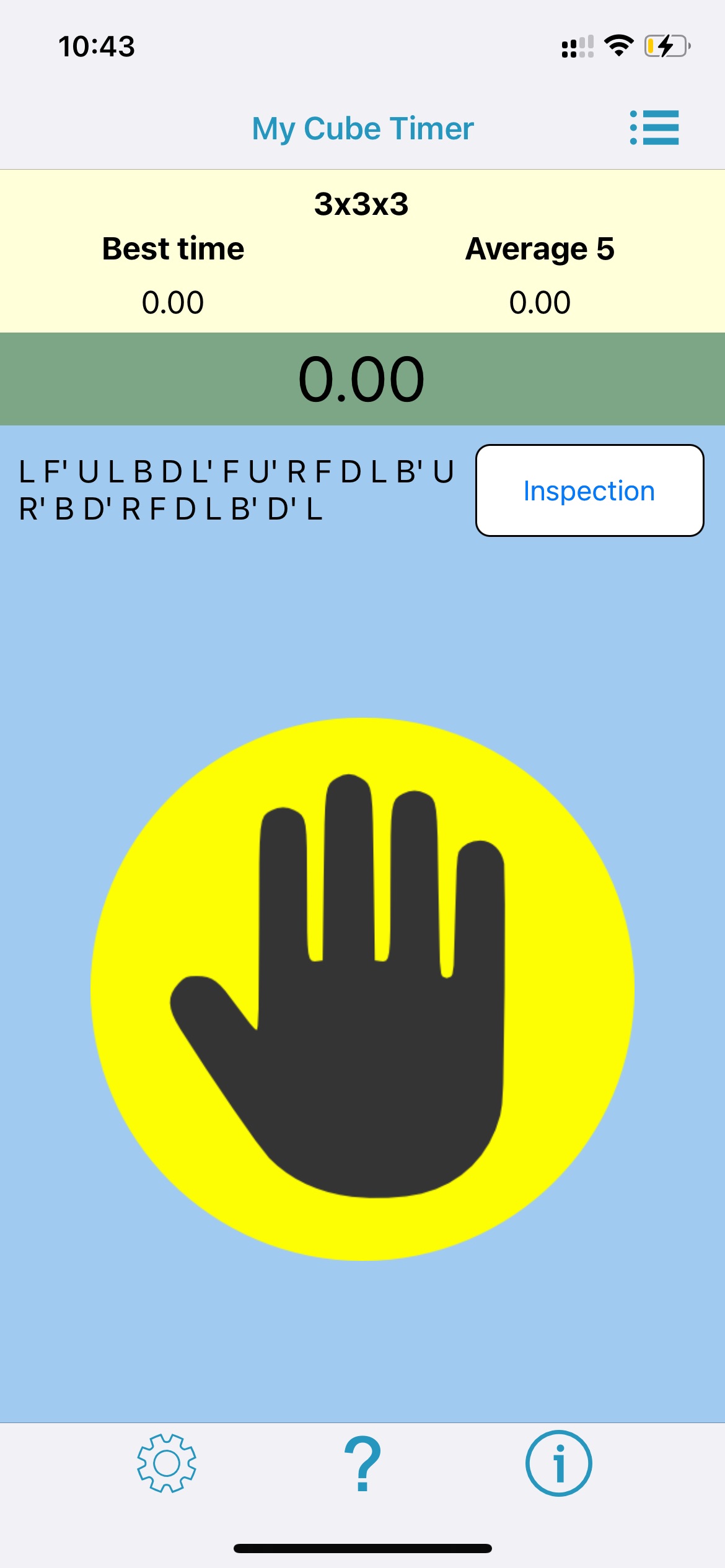
Mobile apps provide the ultimate convenience for cubers on the go. Whether you are commuting or taking a quick gaming break, these apps ensure you never miss a practice session.
acubemy (The Smart Cube Companion)
acubemy is widely considered the ultimate smart cube app in 2026. It connects via Bluetooth to all major smart cube brands, capturing deep telemetry data automatically. The app benchmarks your splits against an incredible database of 3 million+ solves, showing you the exact recognition and execution targets you need to hit.
Beyond timing, acubemy acts as a personalized algorithm coach. It tracks every algorithm under your fingers and instantly pinpoints your weak spots. You can also engage in 1v1 real-time matches with friends or strangers, adding a thrilling competitive edge to your mobile practice.
scTimer (The WCA-Standard Mobile App)
For cubers who prefer a traditional, highly reliable mobile stopwatch, scTimer is a top-tier choice. It strictly follows WCA regulations, including the official 15-second inspection period with visual and audio alerts. It supports every official WCA event, from the classic 3×3 to complex blindfolded and multi-blind formats.
scTimer also supports Stackmat timer integration via Bluetooth, allowing you to use official competition hardware with your phone. As a Progressive Web App (PWA), it can be installed directly to your home screen for instant, offline access.
Twisty Timer and Cube Timer (The Mobile Staples)
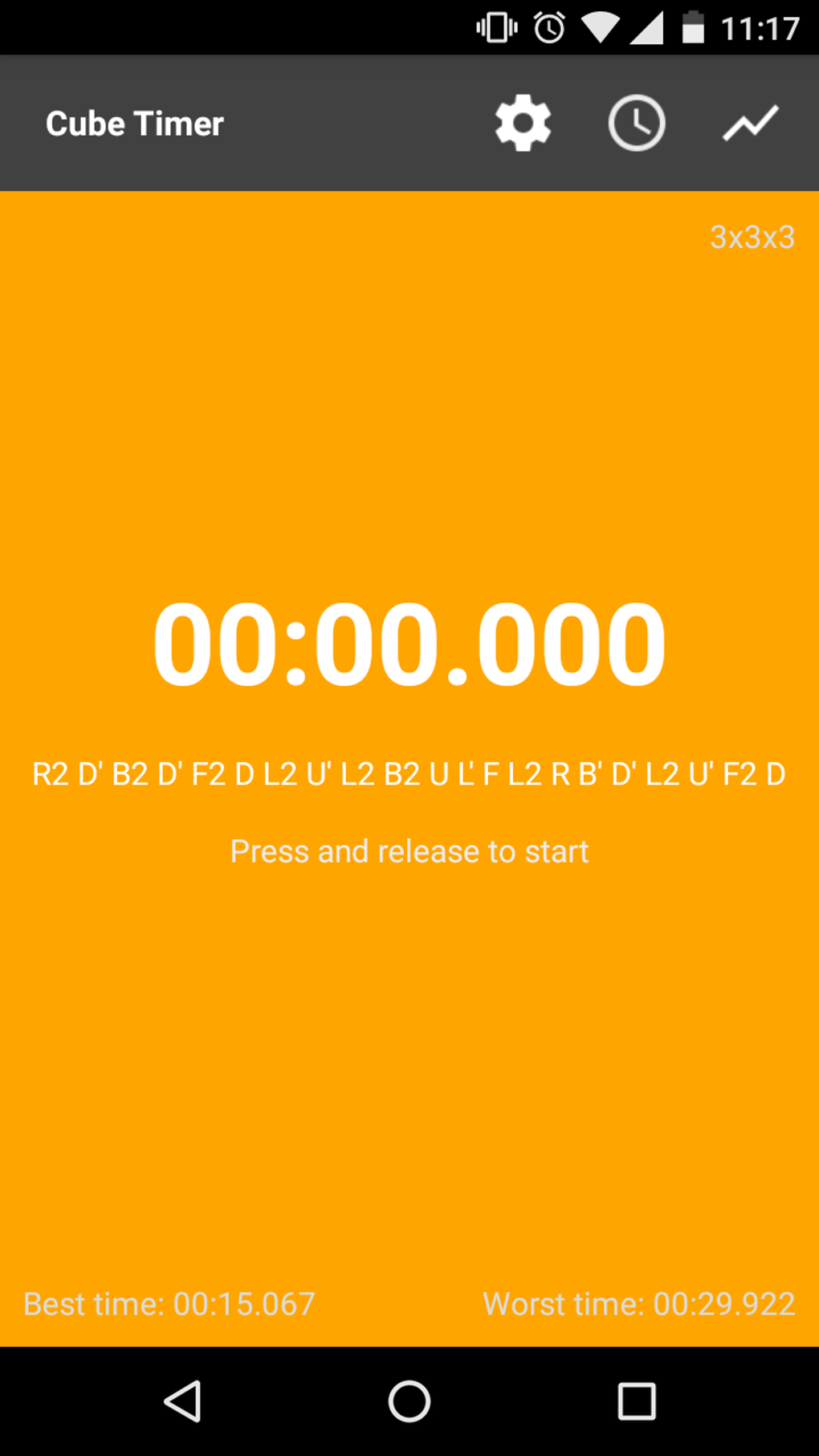
If you want a lightweight, no-nonsense mobile cube timer, apps like Twisty Timer and Cube Timer remain community favorites. They offer clean interfaces, quick scramble generation, and easy session management. These apps are perfect for casual cubers who want to track their personal bests without navigating complex analytics dashboards.
Key Features to Look for in a Speedcubing Timer
When choosing the best app for your needs, prioritize platforms that offer professional-grade features. Here is what separates a basic stopwatch from a true speedcubing training tool.
WCA-Compliant Scrambles and Inspection
A legitimate timer must use TNoodle or equivalent WCA-approved scramble generators. This ensures you are practicing with the same complexity and probability distributions found in official competitions. Additionally, a built-in 15-second inspection timer is crucial for building proper competition habits.
Advanced Statistical Tracking
Tracking your Ao5, Ao12, and Ao100 is vital for measuring consistency. The best apps also calculate standard deviation, best/worst splits, and time progression graphs. These metrics help you understand if your slow times are due to bad luck or fundamental flaws in your technique.
Cloud Sync and Cross-Platform Support
Your solve history is incredibly valuable. Modern apps like Flowtimer and acubemy offer seamless cloud synchronization. This allows you to start a session on your desktop and review your analytics on your phone later. Cross-platform support ensures your data is never lost, even if you switch devices.
How to Use Timer Data to Break Through Plateaus
Collecting data is only half the battle. To truly improve, you must know how to interpret your speedcubing statistics and apply them to your practice routine.
Analyzing Phase Breakdowns
If your 3×3 average is stuck at 20 seconds, you need to know why. Apps like CubeDev break your solve into distinct phases. If your Cross takes 4 seconds but your F2L takes 12 seconds, you know exactly where to focus your drills.
By isolating specific phases, you can utilize targeted scramble filters. For example, you can set csTimer to only generate scrambles that result in difficult F2L cases, forcing you to practice your weakest pairings repeatedly.
Using Spaced Repetition for Algorithm Mastery
A major cause of time plateaus is poor algorithm recognition or slow execution. Both CubeDev and acubemy feature intelligent spaced repetition systems (SRS). These systems track which OLL or PLL cases you hesitate on and queue them for targeted review.
By spending just five minutes a day on SRS algorithm drills, you build deep muscle memory. This reduces your recognition time to a fraction of a second, leading to massive drops in your overall solve times.
Frequently Asked Questions (FAQ)
What is the most accurate cube timer for official practice?
For official practice, csTimer and Flowtimer are highly regarded for their 0.001s accuracy and strict adherence to WCA timing regulations. When paired with a physical Stackmat timer, they provide the exact timing environment used in real competitions.
Can I connect my Bluetooth smart cube to these timer apps?
Yes! In 2026, most premium platforms support Bluetooth smart cubes. csTimer, acubemy, and CubeDev all feature native smart cube integration, allowing the app to track your individual moves, TPS (Turns Per Second), and pause durations automatically.
How do I calculate my Ao5 and Ao12 averages?
The Average of 5 (Ao5) is calculated by taking five consecutive solves, removing the fastest and slowest times, and averaging the remaining three. The Average of 12 (Ao12) removes the single best and worst times from twelve solves, averaging the remaining ten. All modern cube timer apps calculate these automatically in real-time.
Are free cube timers good enough for competitive speedcubing?
Absolutely. The speedcubing community heavily supports open-source and free software. csTimer, Flowtimer, and scTimer are completely free and offer professional-grade analytics that rival or exceed paid premium applications.
Conclusion
The journey to mastering the Rubik's cube requires dedication, smart practice, and the right tools. In 2026, the best cube timers and apps for tracking progress do far more than just count seconds. They act as personal coaches, data analysts, and competitive arenas.
Whether you prefer the deep, open-source customization of csTimer, the modern cloud analytics of Flowtimer, or the AI-driven smart cube coaching of acubemy, there is a perfect tool for your workflow. Stop guessing where you are losing time, download a dedicated speedcubing timer today, and start your journey toward your next personal best!
References
- Flowtimer — The Ultimate Free Cube Timer and Analytics Suite, 2026
- CubeDev — Professional Speedcubing Tools and Phase Analysis, 2026
- acubemy — Your Personal Smart Cube App and Analysis Tool, 2026
- csTimer — Professional Rubik's Cube Speedsolving and Training Timer, 2025
- scTimer — Speed Cubing Timer and WCA Event Tracker, 2026
- Ultimate Cubing Stopwatch Guide — 23 Awesome Rubik's Cube Timers Review, 2021
